Bring in one song or a whole batch
Enter an idea at a time, paste multiple prompts or lyrics, or import a file. The optional ChatGPT helper is a manual copy-and-paste handoff.
Prepare a single idea or a batch of prompts and lyrics, review the entries and settings, then manage submissions and results in one browser workspace. Queue drafts and history stay in your browser by default.
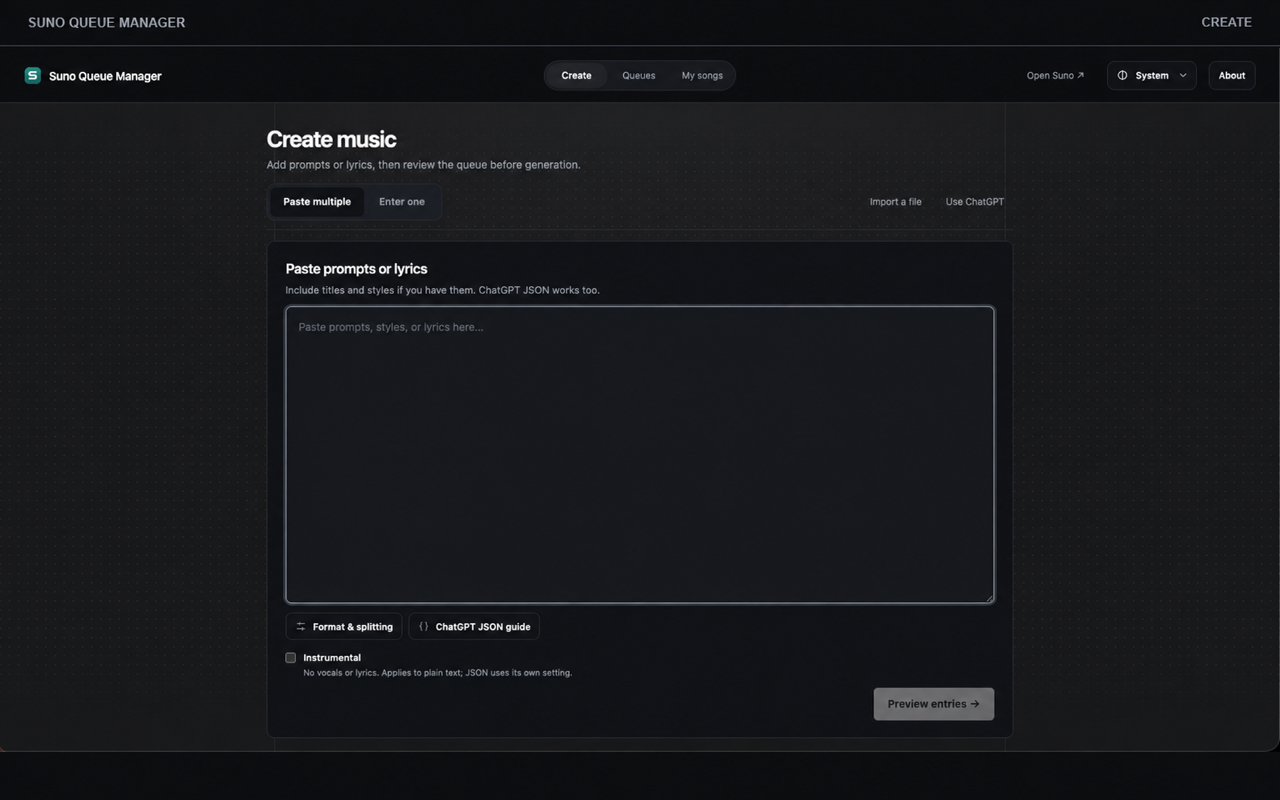
Move from a list of ideas to a reviewed queue, then keep the returned versions connected to the entries that started them.
Enter an idea at a time, paste multiple prompts or lyrics, or import a file. The optional ChatGPT helper is a manual copy-and-paste handoff.
Preview and edit what will enter the queue. Choose queue settings and review entry-level options before starting the run.
Return to a queue to follow progress, inspect completed versions, or review a submission that needs your attention.
Find completed versions and their queue context in one local history, then export the song details you choose.
Adding or editing queue entries does not submit them. You decide when a reviewed queue begins.
Add prompts or lyrics one by one, paste a batch, or import a file.
Check entry text and generation settings before queue submission.
Start from a signed-in Suno session, then follow queue status and resulting versions.
Queue drafts, settings, submission records, and local history are stored in Chrome storage and IndexedDB by default. Queue Manager does not use UseSuno cloud sync, Chrome Sync, or Google sign-in.
The optional ChatGPT helper copies text for you to paste. It does not read or control ChatGPT pages.