Chrome · Manifest V3 · Independent tools

Extensions for your Suno workflow

Pick a focused browser tool for the part of your music workflow you want to improve: keep useful Style prompts organized, or prepare and follow a generation queue. Each extension has its own features and data model.

Works with SunoIndependent projectsSeparate product details
Choose a workflow

Choose the tool for your workflow

Use Prompt Manager to save and reuse Style text while creating. Use Queue Manager to prepare multiple generation requests, review them, and keep their results organized.

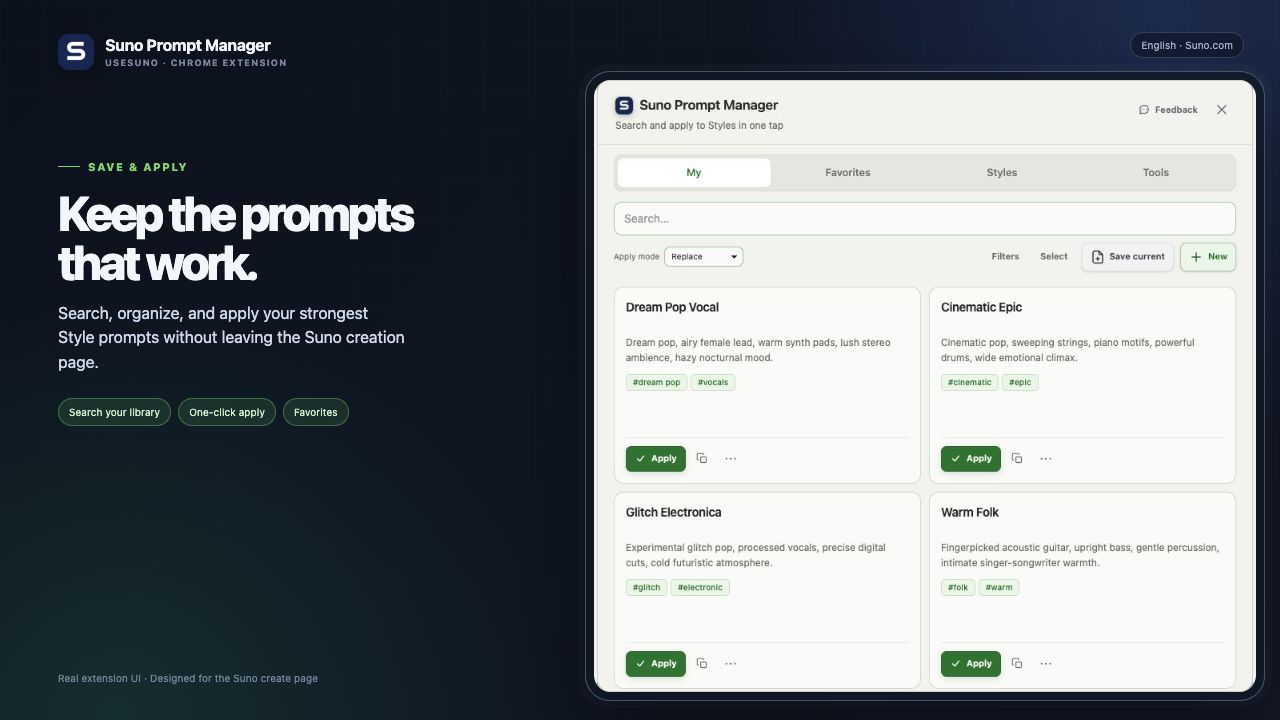
Suno Prompt Manager prompt library open beside the Suno creation page
Prompts & lyricsLocal-first

Suno Prompt Manager

Save, search, shape, and apply Suno Style prompts from a private library. It also adds TXT, LRC, and SRT lyric downloads to Suno Library and song detail pages.

  • Build, clean, organize, and reuse Style prompts on Suno.
  • Discover Styles from songs shown in Suno Explore.
  • Keep prompt data local by default, with separate optional sync choices.
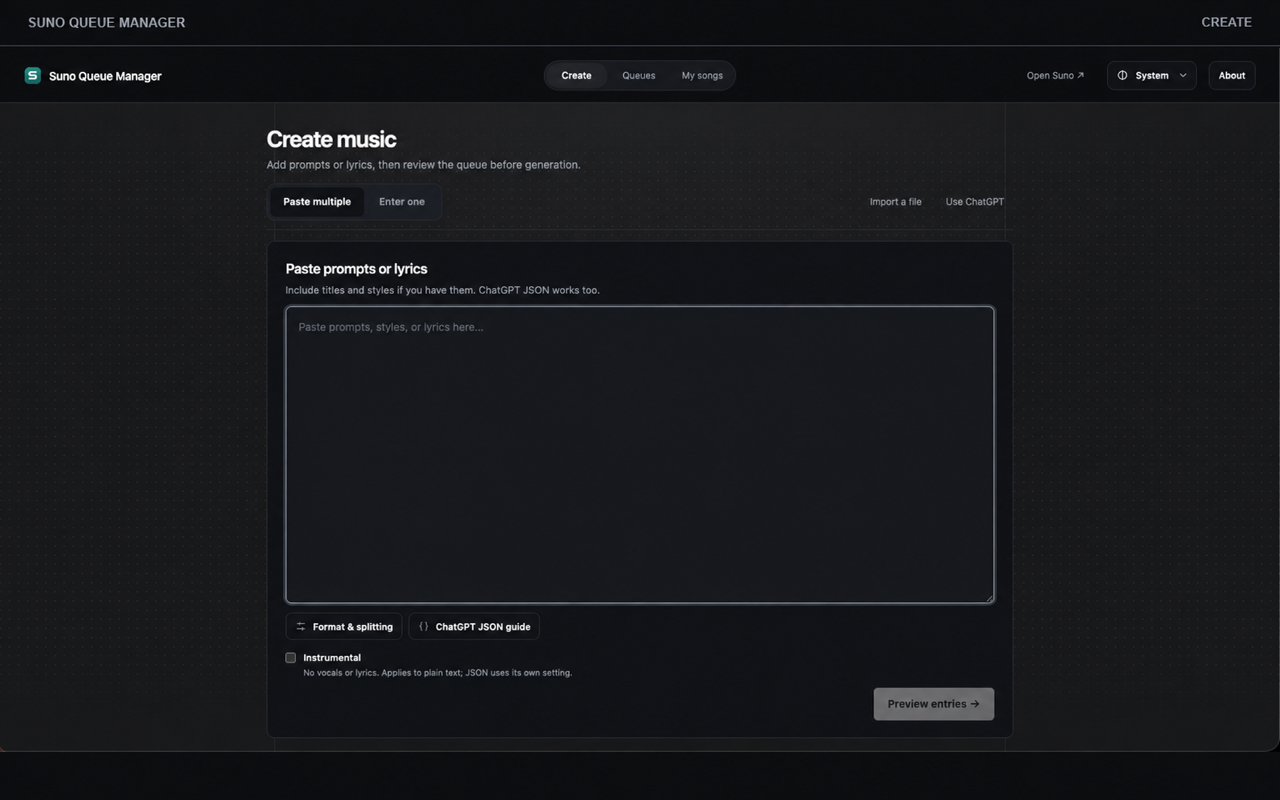
Suno Queue Manager Create workspace with batch input and a review-before-queue action
Batch creationLocal queue history

Suno Queue Manager

Prepare one song or a batch of prompts and lyrics, review and edit the entries, then manage submissions and results from one browser workspace.

  • Paste multiple entries, add one at a time, or import a file.
  • Check each entry and queue settings before you start.
  • Keep queue drafts and result history in the browser by default.